Logging In and Servers
Outtake belongs to one Plex account, its owner, and clips from one Plex Media Server at a time.
Logging in
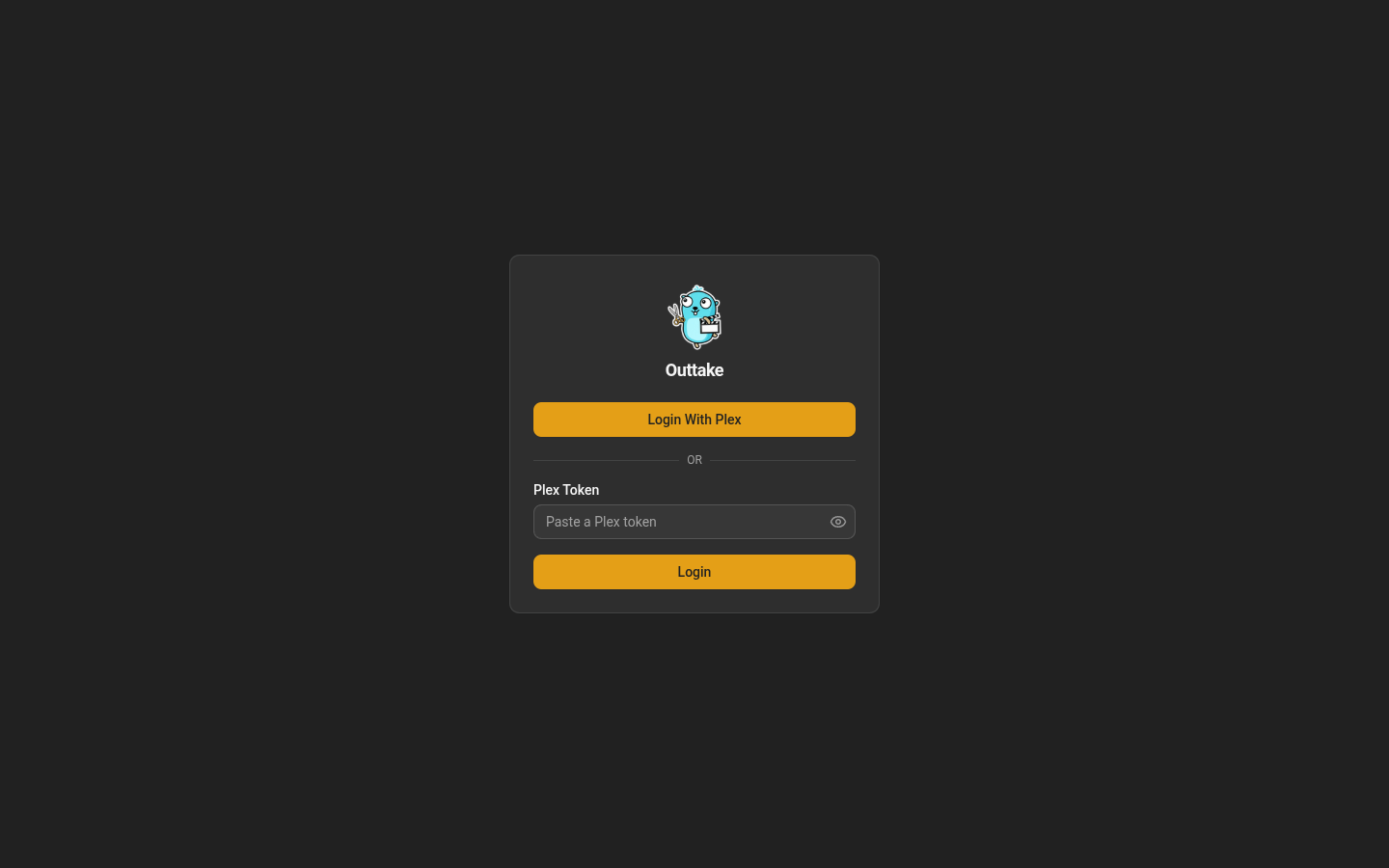
Every page asks you to log in first.
- Choose Login With Plex. Plex opens its own login in a popup, and Outtake shows Waiting for Plex… until you approve Outtake there. The popup then closes and Outtake continues. If you take too long, the login expires and you start again from the login page.
- Or paste a Plex token into Plex Token and choose Login. Outtake asks Plex who the token belongs to, and only stores it once Plex vouches for it and the account is the owner.
Choosing a server
If your account has exactly one Plex Media Server that Outtake can reach, Outtake uses it after you log in and opens the dashboard. Otherwise it opens Servers, which you can also reach later under Settings → Servers. It lists the Plex Media Servers your account can reach.
- Use This Server chooses one. Outtake tries all of the server’s connections at once and keeps the most direct one that answers: local first, then a direct remote connection, and the Plex relay last.
- Custom Server URL takes an address, such as
https://plex.example.com, for a server Outtake reaches differently from how Plex advertises it. Outtake asks that address who it is and uses it only if it is one of your servers. - Forget Server stops Outtake from using the current server, until you choose one again.
Each login refreshes the token Outtake uses for the chosen server, so a server that starts refusing the token recovers the next time you log in. Until then, the dashboard and the servers page say the server refused the token.
To fix the server in the configuration instead, set OUTTAKE_PLEX_SERVER_URL and OUTTAKE_PLEX_TOKEN (see Configuration).
The owner
The first Plex account to log in becomes the owner. After that, Outtake refuses every other Plex account with “This Outtake belongs to a different Plex account”. You can log in as the owner from as many browsers as you like.
Outtake checks the account behind every session on every request, so resetting the owner (below) ends every session at once.
Logout ends only the session in that browser.
Handing Outtake to another account
Reset the owner, then restart:
docker exec outtake /outtake owner reset
docker restart outtake
The reset also forgets the chosen server, and ends every session. The next Plex account to log in becomes the owner.
If you upgraded from a version without owners, only the account that logged in most recently can claim Outtake.